

Is Bluehost CodeGuard Basic worth it? You may not be able to buy it anymore. When I went through Bluehost's checkout and the Marketplace in my Bluehost account on November 7, 2026, CodeGuard wasn't offered anywhere. It's been replaced by Xcitium Backups in the Marketplace and a Daily Website Backup add-on at checkout.
Bluehost's CodeGuard help page (updated September 28, 2026) still describes the service. If you already pay for CodeGuard, check its renewal date in your Bluehost Renewal Center. For new purchases, here's what Bluehost sells now, what it costs, and whether you need a paid backup add-on at all.
Contents
What replaced CodeGuard at Bluehost?
Xcitium Backups (account Marketplace)
Xcitium Backups uses the same three tiers, storage and prices as CodeGuard's Basic, Professional and Premium plans:
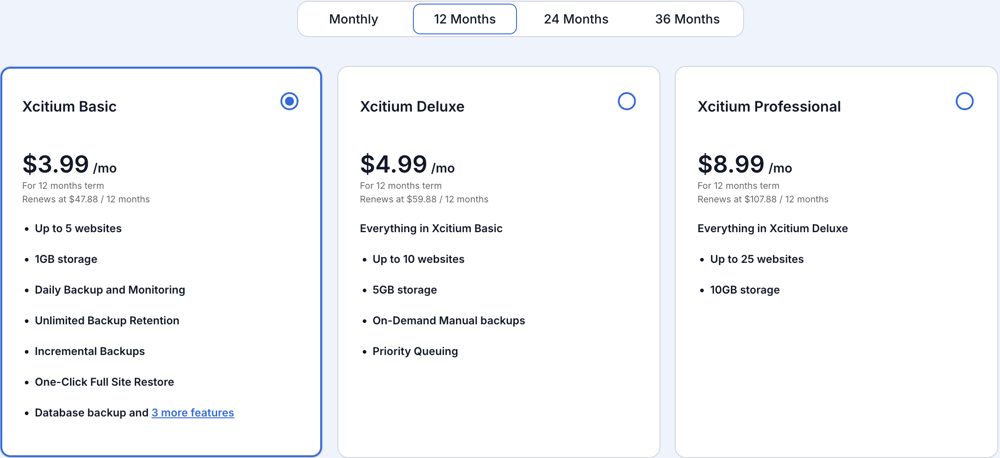
Screenshot from the Marketplace in my Bluehost account (12-month term), November 7, 2026.
| Plan | Price | Websites | Storage | Renews at (12 / 24 / 36 months) |
|---|---|---|---|---|
| Xcitium Basic | $3.99/mo | up to 5 | 1 GB | $47.88 / $95.76 / $143.64 |
| Xcitium Deluxe | $4.99/mo | up to 10 | 5 GB | $59.88 / $119.76 / $179.64 |
| Xcitium Professional | $8.99/mo | up to 25 | 10 GB | $107.88 / $215.76 / $323.64 |
The price stays the same no matter which term you choose, and it renews at the same rate, unlike many Bluehost add-ons.
Every plan includes daily backups and monitoring, unlimited backup retention, incremental backups, a one-click full site restore and database backups. Deluxe adds on-demand manual backups and priority queuing.
Daily Website Backup (checkout)
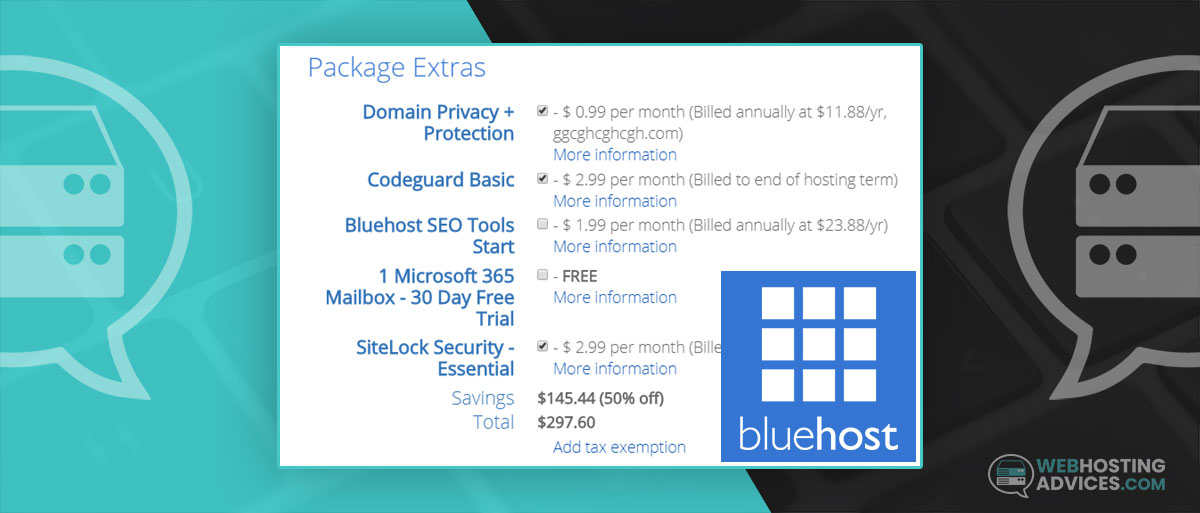
At checkout, the backup option is called Daily Website Backup, at $2.99 a month, billed annually at $35.88. Bluehost describes it as automatic backups with "flexible, cloud-based recovery options". It wasn't pre-selected when I checked.
Jetpack
The Marketplace also lists Jetpack, which saves every change to your WordPress site and offers one-click restores. It's sold by Automattic and works the same on any host.
Doesn't Bluehost already back up my site?
Bluehost's plans list website backups, but its help center calls shared-hosting backups a courtesy, not a guarantee. They only cover accounts under 20 GB and 100,000 inodes, and you may be charged for a restore.
So the built-in backups are a safety net, not a backup plan. A copy you control, stored off the server, gets a broken site back online quickly.
Do you need a paid backup add-on?
Not on a typical small WordPress site. A free backup plugin that sends copies to cloud storage covers the same ground:
- UpdraftPlus (free) schedules backups of files and the database to Google Drive, Dropbox or other storage, and restores them from your dashboard.
- Manual backups before big changes (a theme switch, a WooCommerce update) take a few minutes in cPanel.
Don't buy Xcitium or the Daily Website Backup add-on. Even with several sites, a free plugin per site sending backups to your own cloud storage costs nothing, and the copies stay yours if you leave Bluehost.
Conclusion: do I need CodeGuard Basic?
You can't buy CodeGuard Basic from Bluehost's checkout or Marketplace anymore. If you still have it, check its renewal in your account and ask Bluehost support what replaces it at renewal.
Skip Bluehost's paid backup add-ons. Use a free backup plugin with off-site storage, and make a manual backup before big changes. For security, see what replaced SiteLock, and for overall hosting quality, see my Bluehost review.