



 Tested by
InMotion Hosting is a good fit for cPanel shared hosting with real human support, as long as you plan for the renewal price. The Launch plan costs $4.79/month on a 1-year term, includes a free domain, NVMe storage and free website migration, and comes with a 90-day money-back guarantee.
The catch is the renewal: Launch goes up to $14.99/month after the first term. InMotion runs its servers in Los Angeles, Ashburn, Virginia (USA) and Amsterdam, so it suits audiences in North America and Europe. Below is the full InMotion Hosting review, including what the shared, WordPress, VPS, dedicated and reseller plans include, what they cost, and who should pick another host.
Pros
- 24/7 human support by chat and ticket, plus phone on most plans.
- Free domain, SSL, email and website migration.
- NVMe storage on every shared plan.
- cPanel on shared hosting and WHM on Pro, VPS and reseller plans.
- Data centers in the US West, US East and Europe.
- 90-day money-back guarantee on shared and WordPress plans.
Cons
- Renewal prices are about three times the intro price on Launch.
- Automatic backups on shared plans are a paid add-on.
- No phone support on the Launch plan.
- Domain privacy is a paid add-on ($15.99 a year, according to InMotion's support guide).
- No Windows VPS.

InMotion sells shared hosting, WordPress hosting, managed and self-managed VPS servers, dedicated servers, reseller plans and a managed private cloud. Every shared and WordPress plan uses cPanel, and InMotion owns the hardware in the data centers it runs, rather than renting cloud capacity from another provider.
Contents
Technical Features

Score 4.2/5
High tech
InMotion owns and operates its servers and network instead of renting from a cloud provider. Its US data centers sit at internet exchange points in the Los Angeles and Washington, D.C. areas, and the Los Angeles site is a Digital Realty colocation facility.
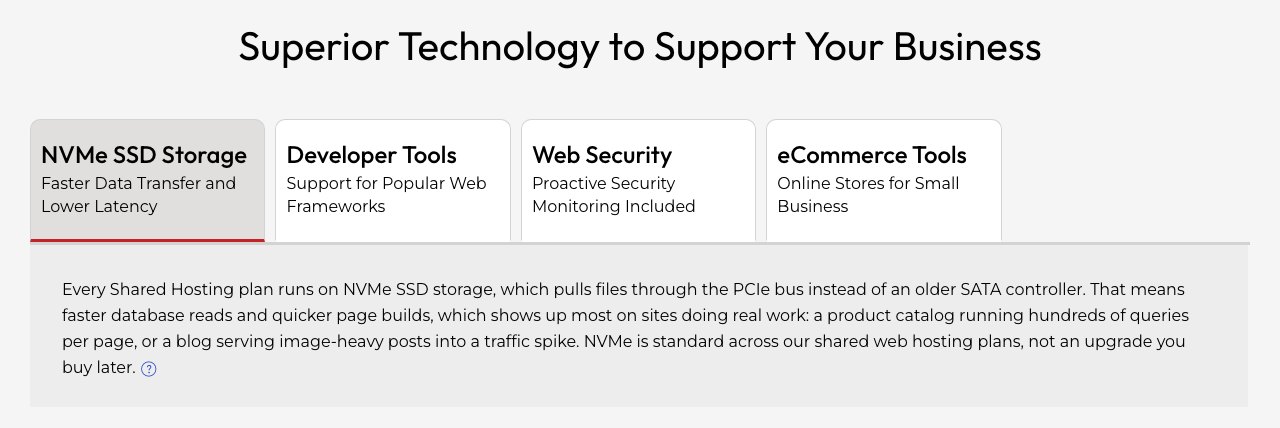
Every shared plan stores sites on NVMe SSD drives, which handle database-heavy pages better than older SATA SSDs. Fast storage helps, but caching, theme and plugins still decide most of a page's load time.
The Pro shared plan is the only one with a stated 2 vCPU and 4 GB of RAM. Launch and Power list websites and storage, but no CPU or memory figure.
Open-Source Applications
The Softaculous installer in cPanel covers more than 400 applications, including WordPress, Joomla, Drupal and PrestaShop. Each installs in a few clicks.
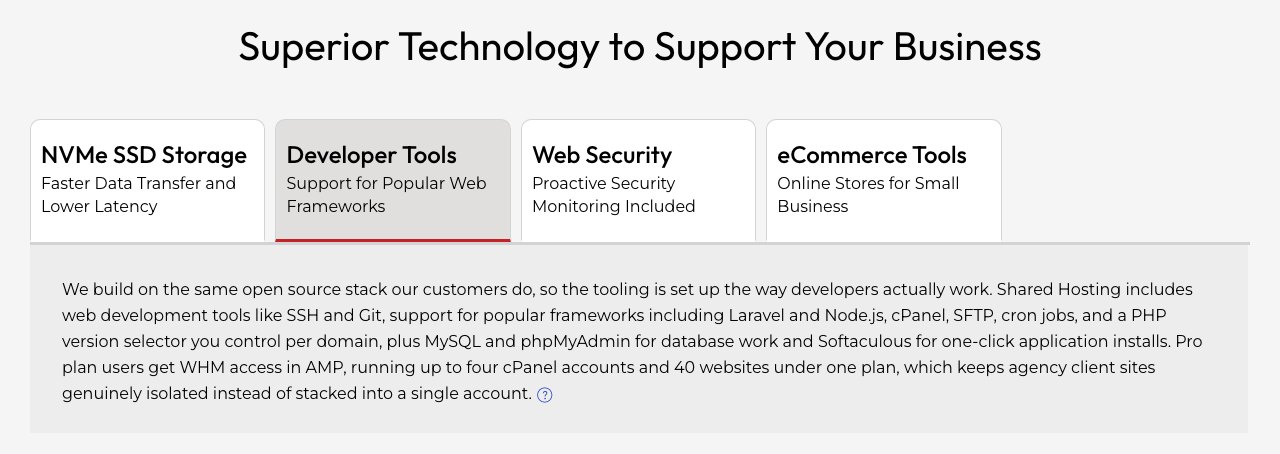
Developers get SSH access, Git and WP-CLI on every shared plan, along with PHP 8, Python, Node.js and Ruby. Databases can run on MySQL or PostgreSQL, and cron jobs are set up in cPanel.
Special WordPress features
The WordPress plans run on UltraStack, InMotion's NGINX and PHP-FPM setup, with advanced caching on every plan. WP Power and WP Pro add a dedicated opcode cache pool, and InMotion lists Redis object caching among its WordPress features.
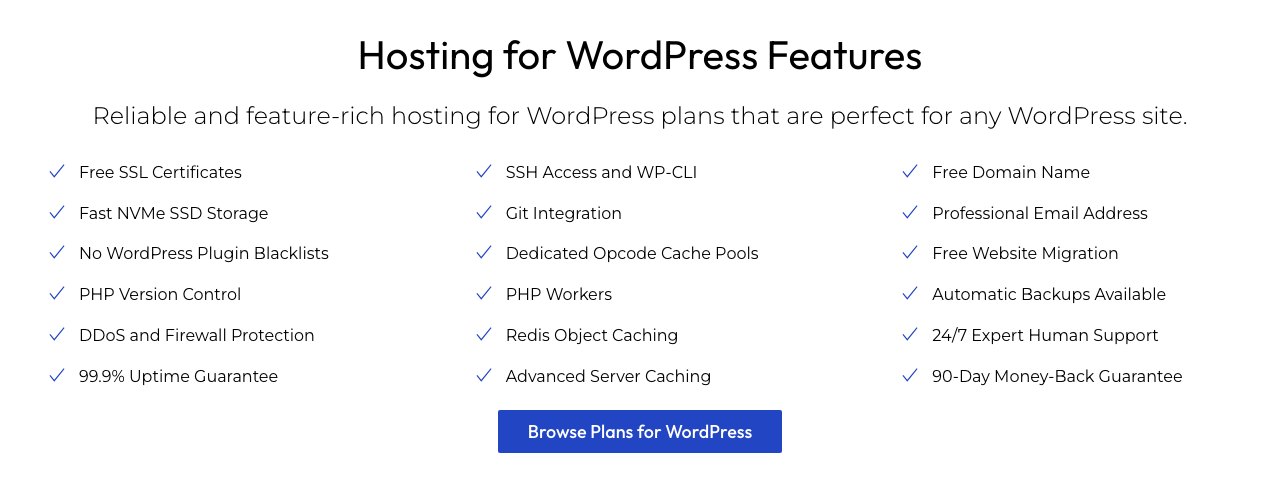
Each WP plan sets a number of PHP workers per site (3, 4 or 6). That matters for stores and membership sites, where many uncached requests arrive at once.
WordPress Multisite and a staging tool come with all three WP plans, so you can test updates on a copy before they reach the live site. The free BoldGrid builder, more than 200 themes and plugins for backups and forms are included.
InMotion's migration team moves an existing WordPress site for free from a cPanel backup or a backup plugin file, such as UpdraftPlus or All-in-One WP Migration.
Green Server technology that respects the environment
InMotion's Los Angeles data center is in a Digital Realty facility that the operator says is recognized as an L.A. Green Business. InMotion's own green effort is clearest in its Eco dedicated servers, which reuse tested and refurbished hardware.

Extending the life of servers this way reduces e-waste and lowers the price. Shared hosting customers don't choose eco hardware separately, so treat green hosting as a bonus rather than a reason to buy.
Backups
Automatic backups on shared plans come from Backup Manager, a paid add-on. It runs scheduled backups of files, databases and email to off-server storage, with 10 GB of backup storage included and more available to buy.
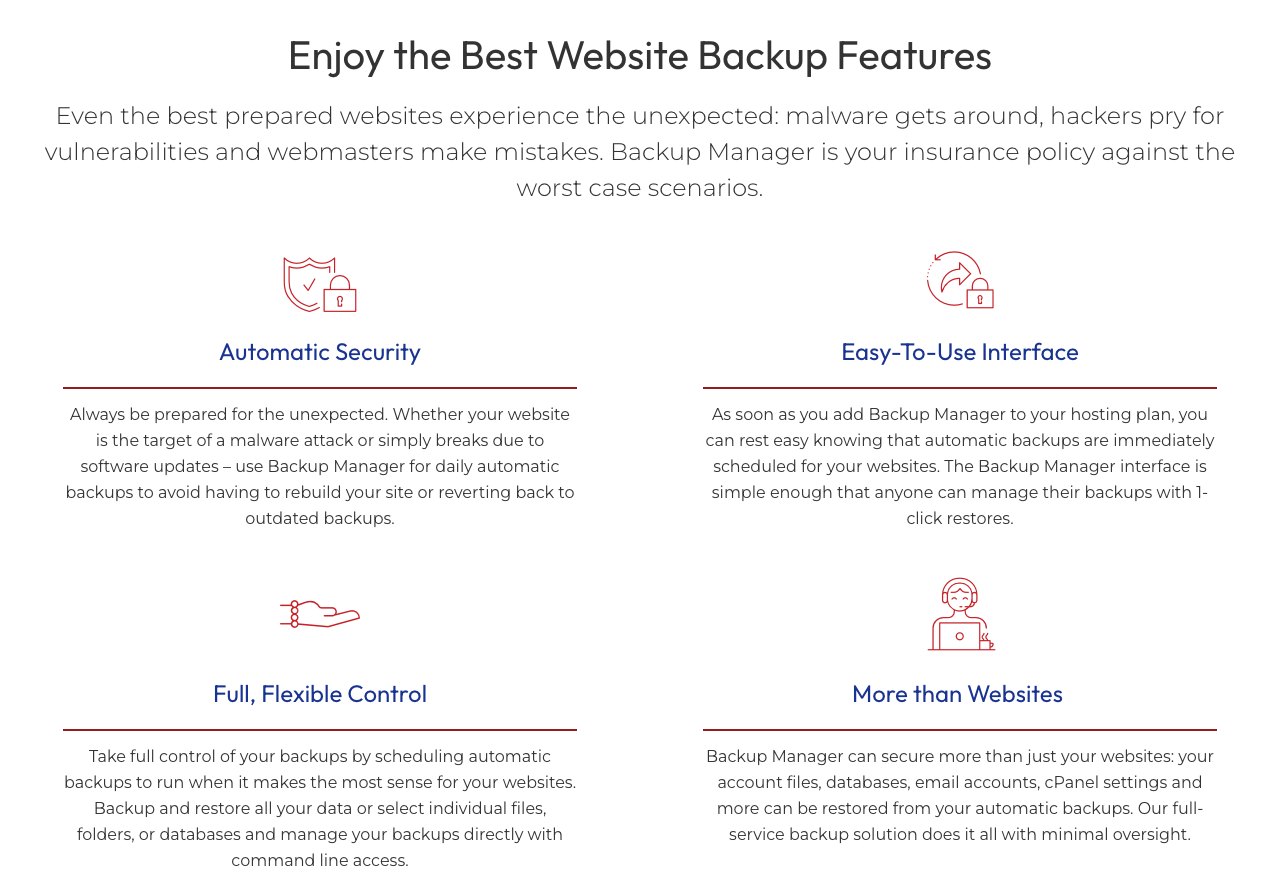
The WordPress plans list native backups among their features, and on any plan you can create your own backup in cPanel at no cost. InMotion's guide is clear that backing up your site is your responsibility, so add Backup Manager or a backup plugin if the site matters. Managed VPS plans include daily automatic backups.
Performance and Security

Score 3.6/5
InMotion Hosting Speed Test Results (November 2026)
In November 2026, I load-tested 2 live websites hosted on InMotion Hosting, both on shared hosting. Each site's hosting was verified from its server IP, and the table notes the technology each site runs on and the datacenter its server sits in, since both affect the result.
Most hosting reviews quote the cached speed, which is really the cache or CDN talking, not the host. I show both: the cached TTFB your visitors normally get, and the uncached TTFB with the page cache bypassed. The ranking uses server time (uncached TTFB minus the network round trip from the test location), because a cache can hide a slow server. Each hosting type's figure is the median of its sites.
| Hosting type | Website | Technology | Datacenter | Cached TTFB | Uncached TTFB | Server time |
|---|---|---|---|---|---|---|
| Shared | Pizza & bowling venue | WordPress | Los Angeles, United States | 673 ms | 669 ms | 608 ms |
| Shared | Travel-accessories store | WordPress | Perry, United States | 1,676 ms | 1,666 ms | 1,606 ms |
| Shared median | 2 sites | 1,174 ms | 1,168 ms | 1,107 ms |
Test settings, November 2026: 5 virtual users for 2 minutes, at most 1 request per second, every second request with a unique query string to bypass the page cache. Live websites under light load, not a controlled benchmark of InMotion Hosting's plans.
The median server time was 1107 ms across the 2 sites. Neither site showed a strong page cache: cached and uncached came back close together, so visitors lean on the server as much as the test does. Both sites answered every request without an error.
What each site runs:
- Pizza & bowling venue: WordPress, Los Angeles, United States
- Travel-accessories store: WordPress, Perry, United States
Each hosting type has only 2 tested sites so far, so its median is less reliable. My Performance score for InMotion Hosting uses the shared result. It is ranked against every other host on my benchmarks page.
Uptime figures will be added once the monitored site has 30 days of data.
InMotion Hosting Under Load: 1 to 50 Visitors (November 2026)
The speed tests above use light traffic. For this test, k6 raised the number of visitors from 1 to 50 over 2 minutes, and every request skipped the page cache, so the server had to build every page. It puts real load on a live website, so I only run it on sites I manage or have permission to test, normally at a quiet hour for their visitors.
Each line is one website, every request uncached · k6 load from Ashburn, USA · November 2026 · lower is faster
- shared: pizza & bowling venue (Los Angeles, United States)
- shared: travel-accessories store (Perry, United States)
Server time = average TTFB in each 12-second window minus the network round trip to the site's server. Hover or tap the chart to see each site's value and the number of visitors at that moment.
| Hosting type | Website | Technology | Datacenter | Server time at 1-10 users | Server time at 40-50 users | Failed requests | Grade |
|---|---|---|---|---|---|---|---|
| Shared | Pizza & bowling venue | WordPress | Los Angeles, United States | 956 ms | stopped at 46 users | 26.0% | E |
| Shared | Travel-accessories store | WordPress | Perry, United States | 1,780 ms | stopped at 46 users | 0% | E |
Server time as the load rose to 40 to 50 visitors at once:
- Pizza & bowling venue (WordPress, Los Angeles, United States): 956 ms → stopped at 46 users, grade E
- Travel-accessories store (WordPress, Perry, United States): 1,780 ms → stopped at 46 users, grade E
Grades use fixed limits on server time at 40 to 50 visitors:
- A: under 0.5 s
- B: under 1 s
- C: under 2 s
- D: under 4 s
- E: 4 s or more, more than 1% failed requests, or a test k6 had to stop
Real visitors mostly get cached pages, so this is the hard case: a traffic spike on pages the cache can't answer. Each site's technology, plan and plugins also affect the result.
This load grade counts in my InMotion Hosting score. It's one of the three grades behind the host's benchmark rating and the Performance score of this review, next to server time and the slowest 5% of requests.
InMotion Uptime Guarantee
InMotion advertises a 99.99% credit-backed uptime SLA for shared hosting, and its VPS and UltraStack ONE pages promise 99.99% too. On the shared plan cards, the guarantee is listed for Power and Pro but not for Launch.
An SLA is a promise of service credits if the host misses the target, not a measurement of real uptime. Loading time still depends on your website, since caching, page weight and plugins affect speed as much as the server.
Security tools for WordPress sites
Every shared and WordPress plan includes free SSL, a web application firewall and InMotion's hack and malware protection. The firewall filters common attacks, such as login floods and malicious form requests, before they reach WordPress.
For stronger file scanning, InMotion sells Monarx Security as an add-on, and it comes bundled with Premier Care on managed VPS and dedicated servers. Monarx watches files for suspicious changes and blocks malware it finds.
Defense system against DDoS attacks
A DDoS attack floods a server with traffic until real visitors can't get through. InMotion lists malware and DDoS protection on every shared plan and always-on DDoS protection on its VPS plans.
DDoS filtering protects against network floods, but it doesn't fix a vulnerable plugin or a weak password. Keep WordPress and its plugins updated, and turn on two-factor login for your admin accounts.
Ease of use

Score 4.3/5
InMotion uses cPanel on its shared, WordPress and reseller plans. If you have used another cPanel host, the file manager, email and database tools will look familiar.
You can install WordPress and other scripts with one click using Softaculous. WordPress plans also include the BoldGrid builder for people who don't want to start from a blank theme.
Billing, plan upgrades and support tickets live in the Account Management Panel (AMP), which is separate from cPanel. Verified support requests also start there.
Moving an existing site is simple: you send a cPanel or WordPress backup through the transfer form, and InMotion's team migrates it for free. Self-managed VPS plans without a control panel are the exception, since free migration isn't included there.
Price

Score 3.8/5
InMotion's shared hosting starts at $4.79 a month on a 1-year term, and WordPress hosting starts at $5.29. You pay the whole term upfront, and the low rate only applies to the first term.
The renewal is the main drawback. Launch renews at $14.99 a month, about three times the intro price, and Pro renews at $25.99. The 90-day refund window takes some of the risk out of trying it.
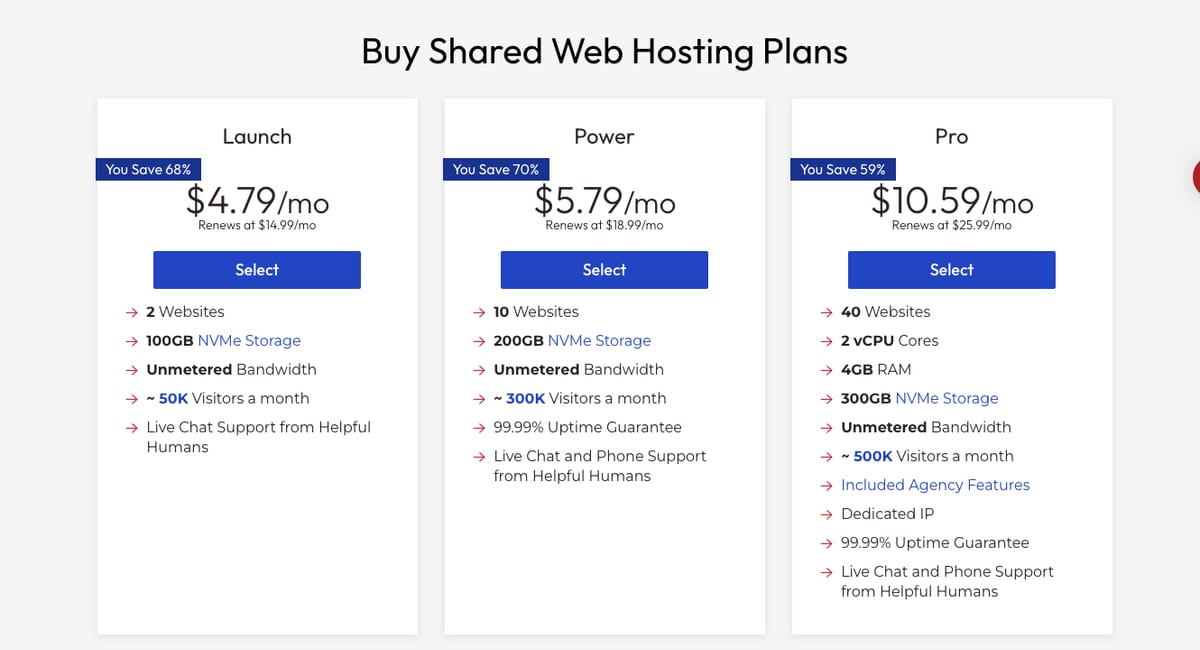
| Plan | 1 month | 12 months | 24 months | 36 months | Renewal (12 months) |
|---|---|---|---|---|---|
| Launch | $16.99/mo | $4.79/mo | $4.99/mo | $4.99/mo | $14.99/mo |
| Power | $17.99/mo | $5.79/mo | $5.99/mo | $5.99/mo | $18.99/mo |
| Pro | $26.99/mo | $10.59/mo | $10.99/mo | $10.99/mo | $25.99/mo |
On 2- and 3-year terms, the standard rate InMotion lists is $1 a month lower than the 12-month renewal shown here. The intro discounts are promotional and apply to new customers only.
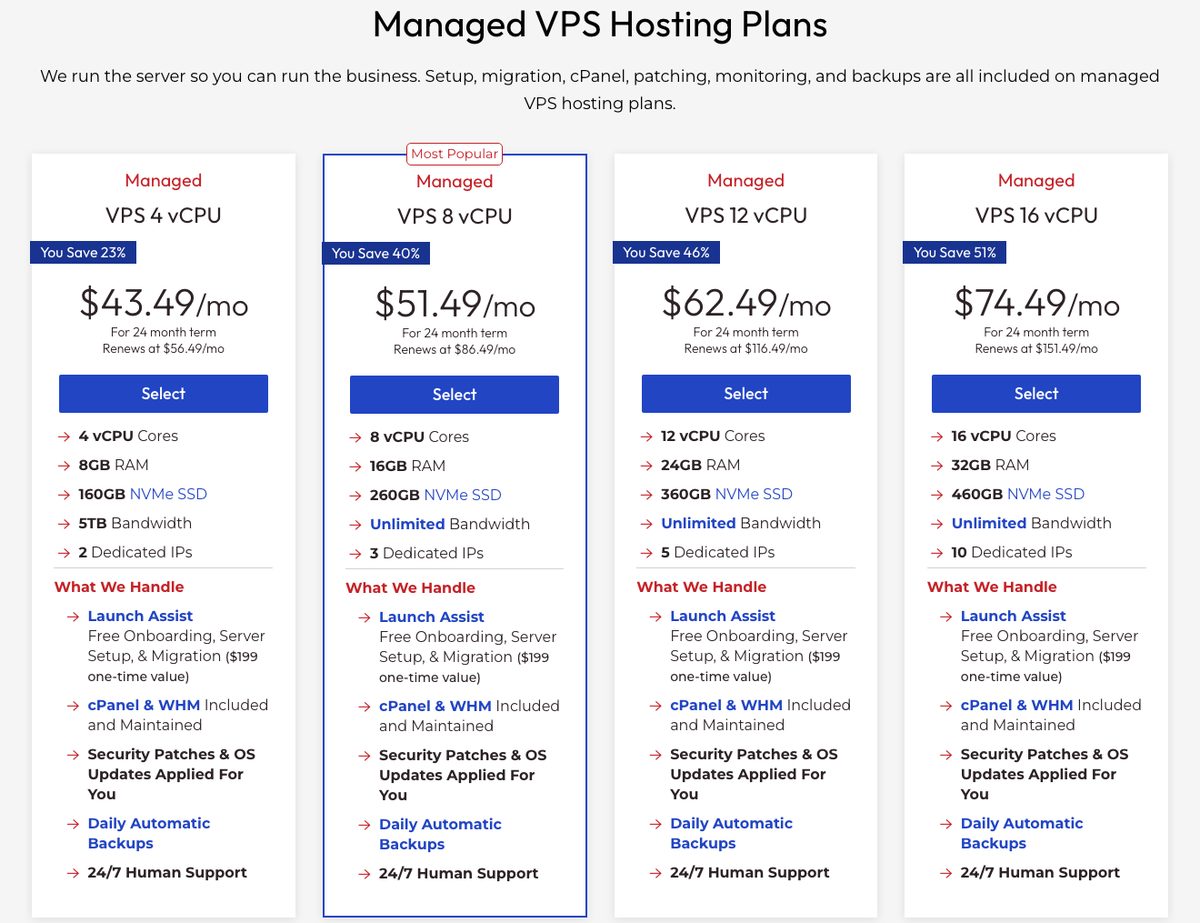
| Plan | Resources | Self-managed (24 months) | Managed (24 months) |
|---|---|---|---|
| VPS 4 vCPU | 4 vCPU, 8 GB RAM, 160 GB NVMe, 5 TB | $13.99/mo (renews $26.99) | $43.49/mo (renews $56.49) |
| VPS 8 vCPU | 8 vCPU, 16 GB RAM, 260 GB NVMe | $21.99/mo (renews $56.99) | $51.49/mo (renews $86.49) |
| VPS 12 vCPU | 12 vCPU, 24 GB RAM, 360 GB NVMe | $32.99/mo (renews $86.99) | $62.49/mo (renews $116.49) |
| VPS 16 vCPU | 16 vCPU, 32 GB RAM, 460 GB NVMe | $44.99/mo (renews $121.99) | $74.49/mo (renews $151.49) |
The managed VPS price includes cPanel and WHM. On a self-managed VPS, a control panel is an extra monthly cost, so compare the total price if you need cPanel.
Details
All shared plans have unmetered bandwidth and unlimited email addresses, and the number of websites depends on the plan (2, 10 or 40). Email storage is 5 GB, 10 GB or 20 GB per inbox.
- Free Domain: Yes, for the first year on 12-, 24- and 36-month terms (.com, .org, .net, .info or .biz). If you cancel during the guarantee period, InMotion deducts the standard domain fee from your refund.
- Ease of registration: Pick a plan, a term and a domain, then pay at checkout.
- Payment methods: Credit card at checkout. InMotion's billing guides also cover PayPal and US checks for renewals.
- Hidden Fees and Clauses: Automatic backups (Backup Manager), Monarx Security and a dedicated IP on Launch and Power are paid add-ons. Add-ons and domain fees are non-refundable.
- Control panel and dashboard: cPanel for hosting, plus the Account Management Panel (AMP) for billing and support.
- Installing applications and CMS (WordPress, Joomla, etc.): Softaculous installer in cPanel, with more than 400 applications.
Is the InMotion Launch plan worth it?
Launch is InMotion's entry shared plan: 2 websites, 100 GB of NVMe storage, unmetered bandwidth, unlimited email addresses and databases, and a free domain for the first year, from $4.79 a month on a 1-year term.
It's worth it for one or two small sites that need cPanel and a server in the US or Amsterdam, as long as you budget for the $14.99 renewal. Backups and a dedicated IP are paid add-ons on this plan.
Three limits push most buyers to Power instead: Launch has no phone support, no uptime guarantee on its plan card, and room for only 2 websites. Power costs $1 a month more and adds phone support, 10 websites and the uptime guarantee, which is why I recommend it over Launch for most people.
Reliability and support

Score 4.1/5
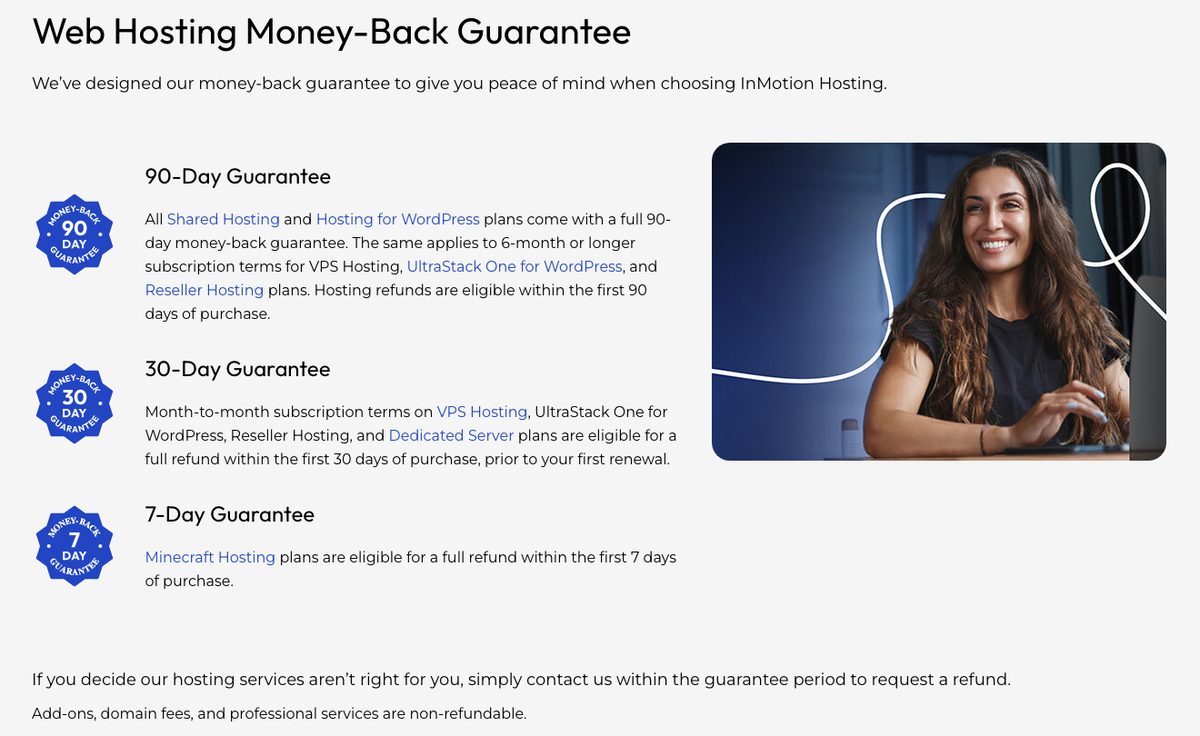
Shared and WordPress plans include a 90-day money-back guarantee, three times the 30-day window many hosts offer. VPS, UltraStack ONE and reseller plans get 90 days on 6-month or longer terms, while monthly terms and dedicated servers get 30 days.
Support
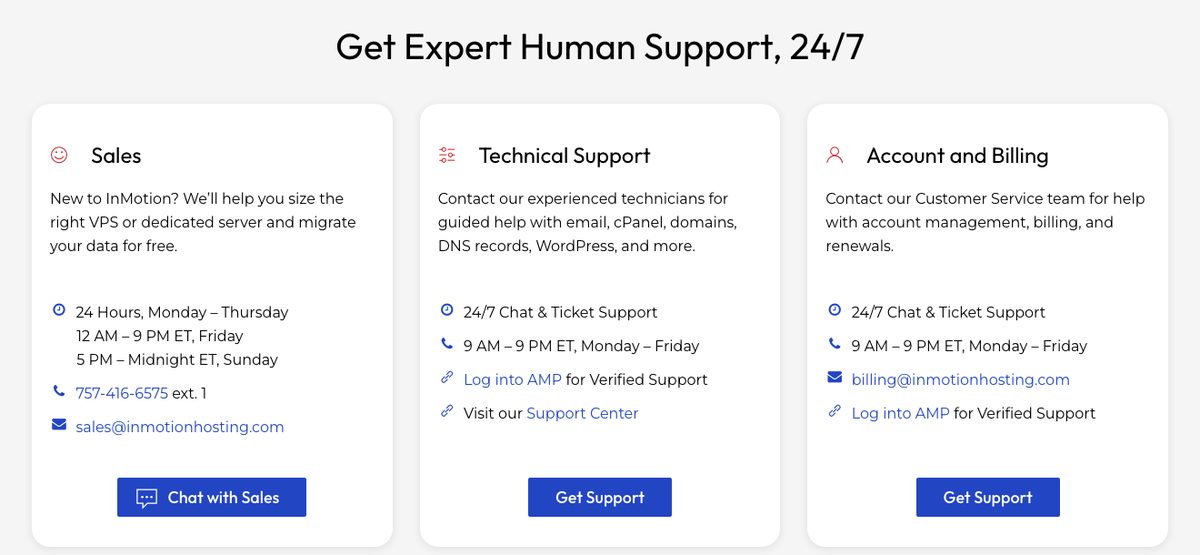
Technical support runs through live chat and tickets 24/7. InMotion says real people answer, not a bot, and that its technicians average more than five years with the company.
Phone support is available on Power, Pro and higher plans, with US and UK numbers. InMotion's contact page lists phone hours for technical support of 9 AM to 9 PM ET, Monday to Friday. The Launch plan is limited to chat and tickets.
On a self-managed VPS, support covers the hardware, network and data center, while the server itself is your responsibility. The managed VPS and dedicated plans include support for the operating system, security patching and troubleshooting.
Website transfer policy
InMotion's migration team moves websites for free from one cPanel or WordPress backup, and InMotion says the move happens with no downtime. You request it through the website transfer form after creating a backup at your current host.
Very large or complex sites may need Launch Assist on a VPS or dedicated server instead. Managed VPS plans include free migration as part of Launch Assist, while self-managed VPS plans without a control panel don't include it.
Conclusion: Is InMotion Hosting Right for You?
InMotion is a solid choice for small business sites and WordPress projects that want cPanel, NVMe storage and human support by chat. The Power plan is the better buy for most people, because it adds phone support, 10 websites and the uptime guarantee for $1 a month more than Launch.
Choose another host if renewal price matters more than support, if you need a Windows VPS, or if your audience is mainly in Asia. Budget for the renewal rate, and add backups if your site can't afford to lose data.
InMotion fits best when your visitors are in North America or Europe. With data centers in Los Angeles, Ashburn (USA) and Amsterdam, you can host close to most Western audiences.
Its WordPress hosting is a strong part of the lineup, with staging, caching and free migration on every WP plan. The price is higher than budget hosts at renewal, and that is the main tradeoff for the support and owned infrastructure.
If you run several sites or expect growth, the path from shared hosting to VPS and dedicated servers stays with one company and one account panel. That makes InMotion a reasonable long-term home for a growing website.
Your reviews are important and protected. Hosts on WebHostingAdvices can't pay or offer incentives to hide them.